
Make bold, clean videos and reels
If you want videos to communicate authority, "Core" might be the right style for you. It's designed for tech reviews, business content and professional explainers. With bold colors and structured elements, it looks high-production. Make it in minutes with Captions' AI Edit.
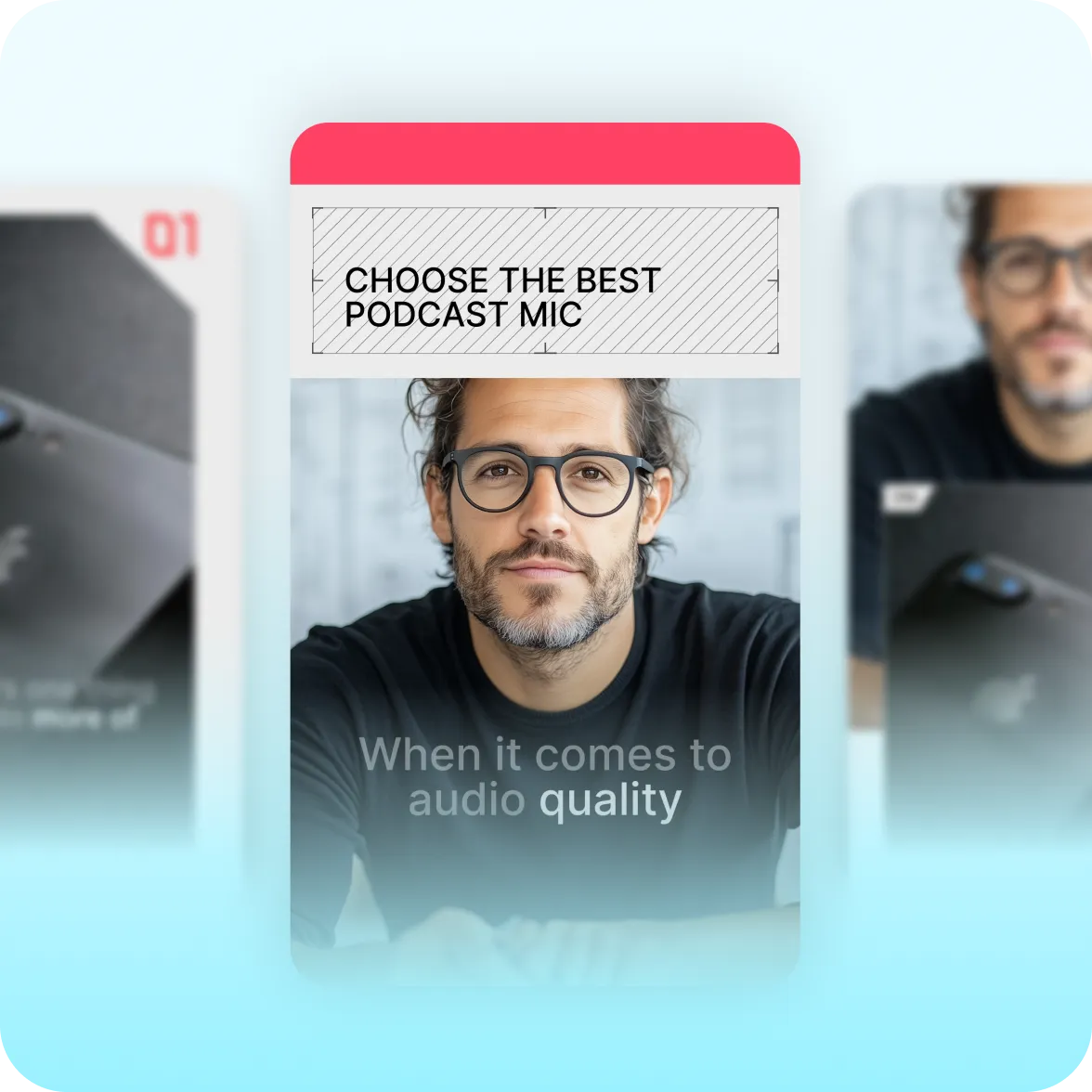
What it looks like:
Geometric grids and bright color bands
Core gives videos a broadcast quality. Diagonal grids add structure, with smooth transitions that catch viewers' eyes. Structured color bands add pops of color and help content stand out.
Made for storytelling
Small details add up to big impact. Numbered frames give your video a design polish, while cutout shapes add dynamic movement. Even B-roll feels special with geometric borders and intentional transitions.
Premium and polished
Core is a great default style for premium content where expertise is centerstage. It's especially popular with creators who share advice or thought leadership on Instagram or LinkedIn.
Create it fast with Captions
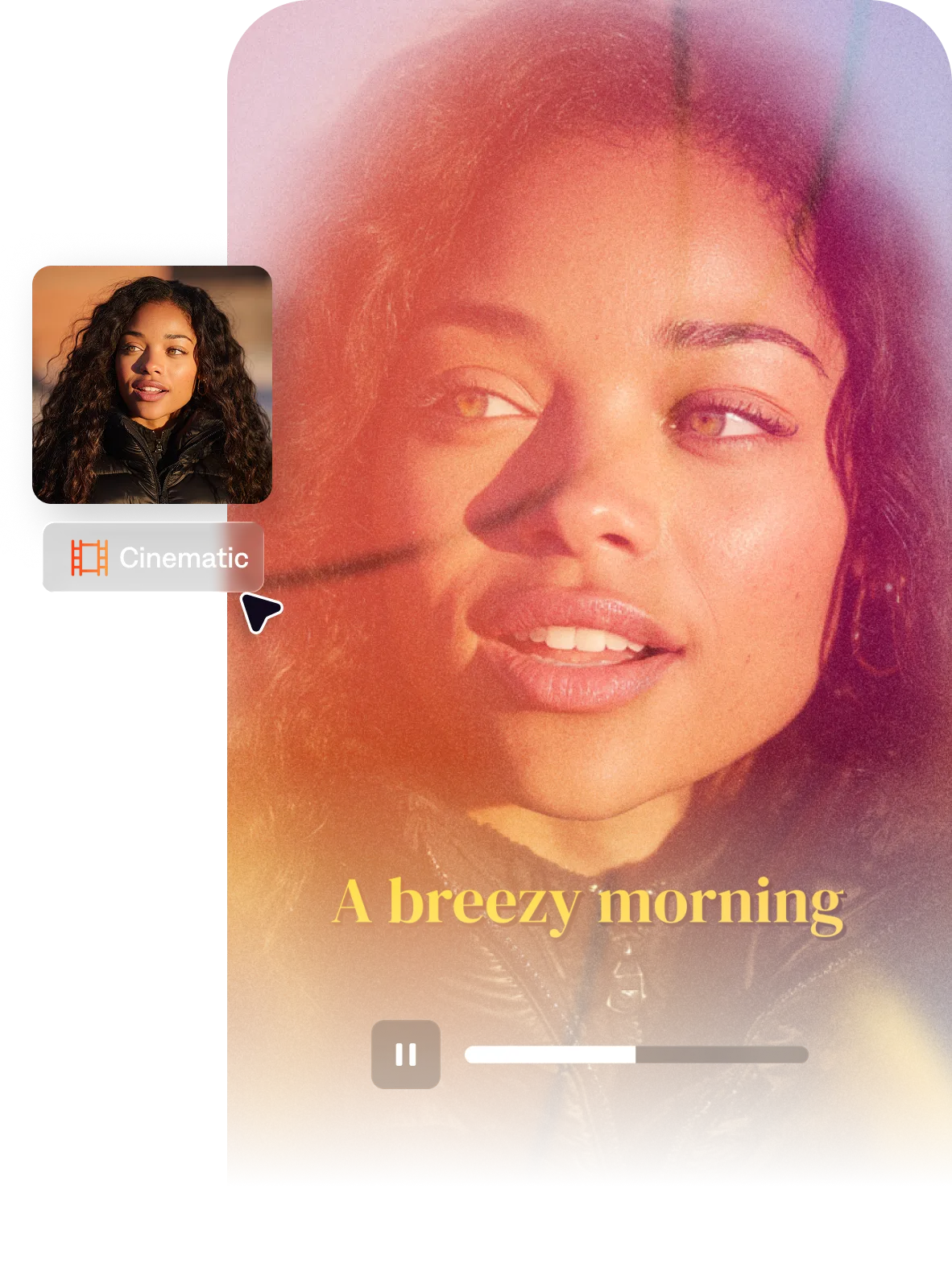
No editing skills required. With Captions' AI Edit feature, just choose "Core" in the style library and AI builds the full edit for you.
Import your video to start
By uploading a video to be edited using AI, you are agreeing to our Terms and have read our Privacy Policy.
Behind the Core aesthetic
The visual gap between amateur and professional often comes down to structure: intentional geometry, sharp color, clean typography. Core takes that design thinking and packages it into a single style.

Popular for:
Start making better videos

Frequently asked questions
When should I use the Core style?
Core is the right pick when you want bold structure and a authoritative tone. It's often used for business or institutional audiences. If you need more energy and kinetics (impact zooms, shake effects), Impact or Ignite deliver more physical intensity. For a cleaner, more modern tech-influenced look, Clarity is the better fit.
What is the broadcast-style video aesthetic?
The broadcast aesthetic in short-form video references the design language of professional sports coverage and news production. Things like bold diagonal lines, color-band panels, geometric overlays and structured layouts that divide the frame into intentional zones. This visual language signals authority, production value, and organizational credibility. It's used by brands and creators who want their content to feel like it has institutional backing rather than an individual creator making it from a phone.
What makes a video look bold and high-production without expensive gear?
High-production appearance in video comes primarily from design choices rather than camera equipment. Bold typography, consistent color use, structured overlays, and clean motion graphics contribute more to a 'produced' look than camera quality does. The key is consistency and intentional design, using consistent styling across every clip. If you're just getting started with video editing, our quick tips guide might help. Small changes can make a big difference.
What video aesthetic works best for sports, fitness, and business content simultaneously?
The broadcast or editorial-geometric aesthetic crosses between sports, fitness, and business content because it shares a visual language: structure, authority, and energy. Bold diagonal lines and color bands appear in sports broadcast graphics, corporate presentations, and business social content. It works across these niches because the aesthetic communicates intensity and credibility rather than a specific subject matter — it's the look of content that means business, whatever the business is.