AI that edits like a professional editor would.
By uploading a video to be edited using AI, you are agreeing to our Terms and have read our Privacy Policy.
Captions edits with taste, not just speed.
From footage to finished
Skip the entire video creation workflow. AI Edit transforms raw footage into a fully-edited video that's ready to share.
Quality in every video
Our AI understands the story you’re trying to tell, and tailors edits to your specific footage. You have creative control if you want to change details.
No experience required
Never edited before? No problem. Make advanced edits with simple prompts using the chat-based editor.
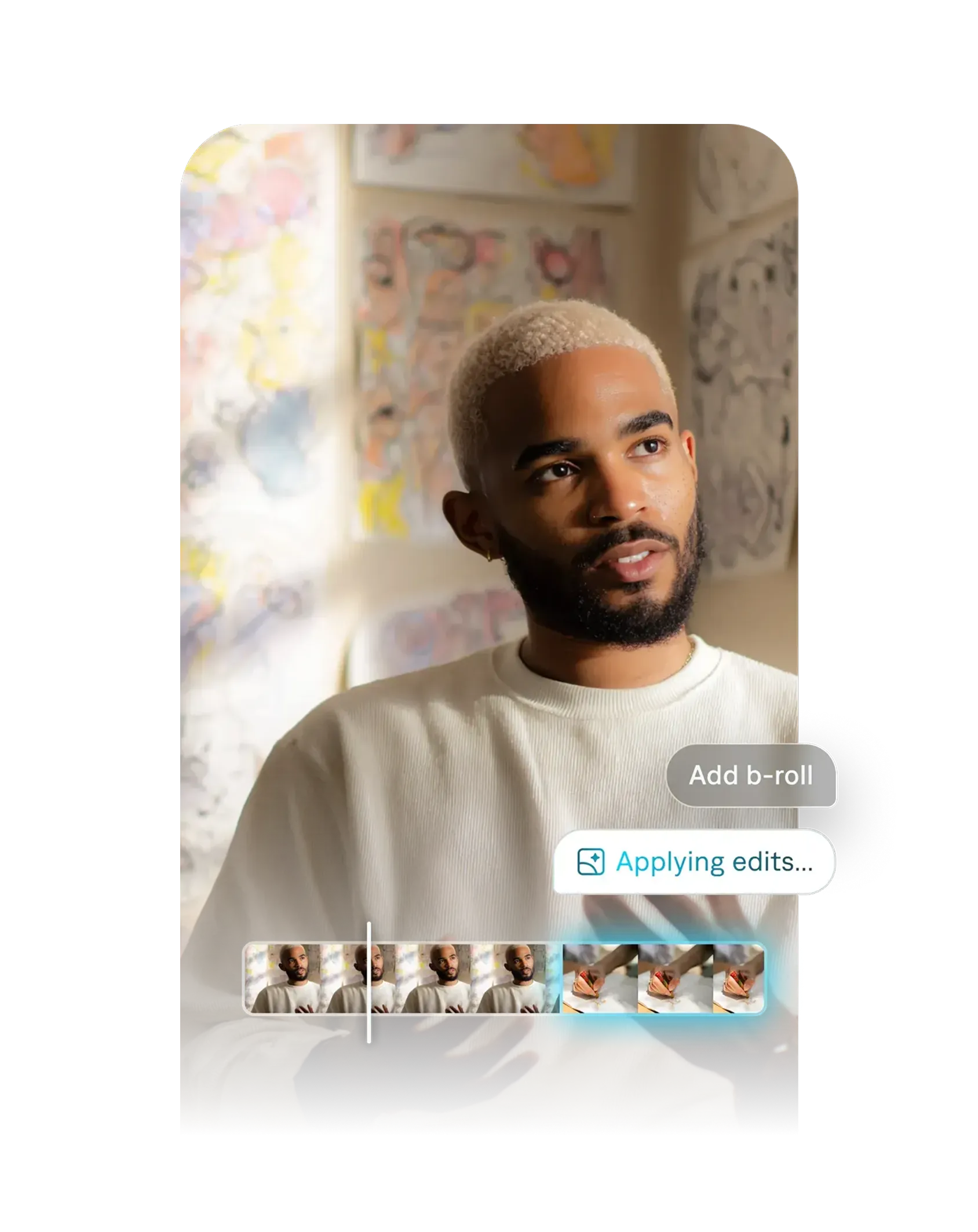
Features users love
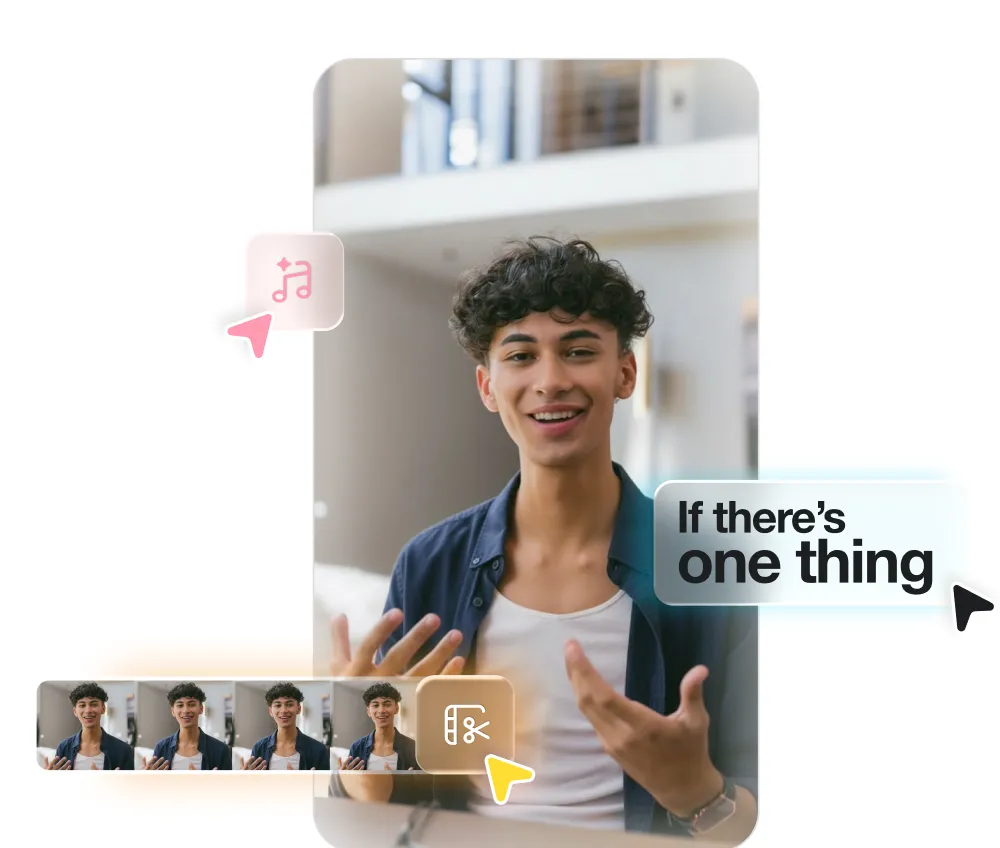
AI Edit
Watch as AI edits your entire video at once. Pick a style, and Captions automatically cuts scenes, overlays B-roll and more. You can also use Captions to auto-generate captions or translated subtitles.
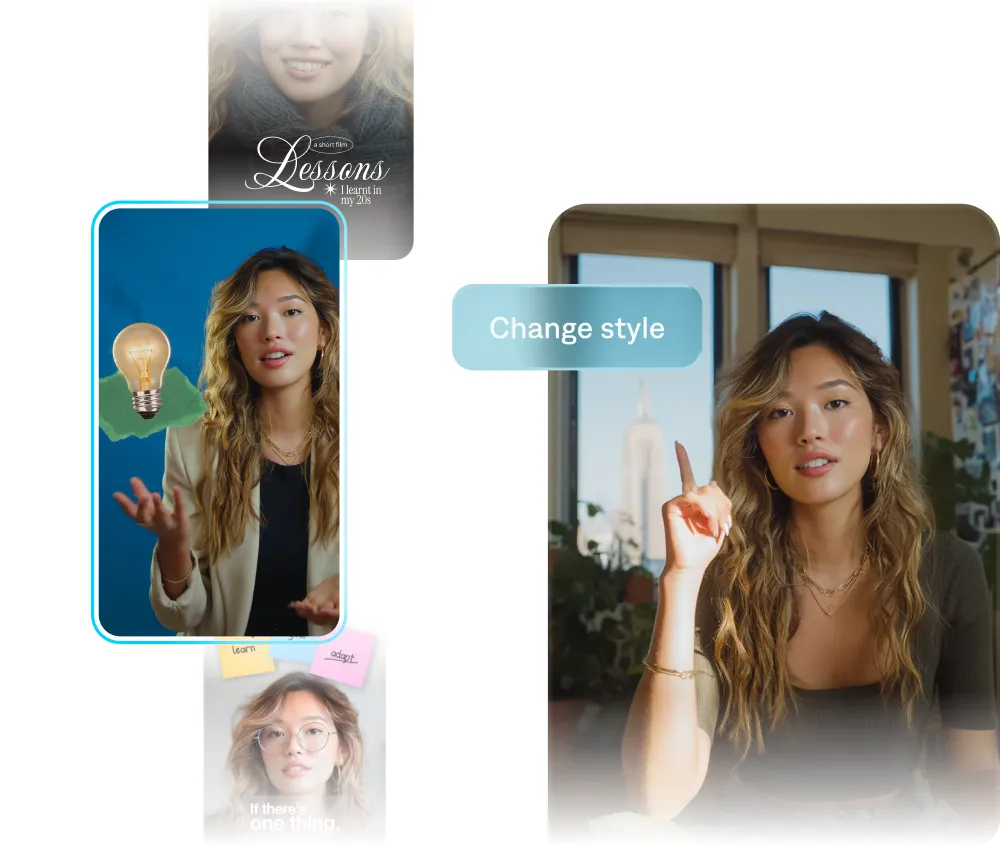
Custom avatars
Generate talking videos from selfies, or create an AI actor. Then, switch up outfits, backgrounds or even product placement. You can reuse the same AI actor for multiple videos, making it easy to iterate.
Everything you need to make great videos.

Automatic captions
Generate captions in trending styles or custom colors.

Translation
Translate and dub videos into 30+ languages.

Music
Generate music or add sound effects.

Correct eye contact
Automatically fix inconsistent eye contact or awkward glances.

Denoise
Remove unwanted background noise in seconds.

Trim pauses
Get rid of unwanted pauses, filler words and other interruptions.

AI Editing
Explore a library of diverse styles and transform footage in minutes.

Chat-based editor
Use simple prompts to direct changes and updates.

Realistic actors
Generate new characters or make a digital twin.
See AI Edit in action
Same video, three editing styles. It only takes a click to make the switch.
Elevate
Paper
Prime
As seen in:








100K+
Daily users
20M
Creators and businesses
3M+
Monthly videos
Start creating
It’s free to sign up for Captions, but you’ll want a subscription to access the best features. Explore our plans to pick the right one for you.
Frequently asked questions
What is the Captions app?
Captions is an AI video editor that produces fully-edited videos. You can upload existing footage and use easy AI editing tools to finish the project. You can also use Captions to generate entirely new footage, without having to record on your own. Captions guides you through suggested edits with its AI editor, empowering you to make any video you want, regardless of expertise.
How do I get Captions?
You can use Captions on your phone or computer. To start online, sign up in your browser. Or, download the app from the App Store or Google Play.
Is Captions free to use?
Captions is free to download, and you can access some features without a subscription. To unlock all capabilities and get professional-quality videos, you’ll want to sign up for one of our paid plans.
What’s the best AI video editor for content creators?
The best AI video editor helps you create professional-quality content fast, without advanced editing skills—and that's exactly what Captions is built for. Unlike traditional editors, Captions uses AI to handle time-consuming tasks automatically, editing your entire video in just a couple of taps. Whether you're making short-form social videos, ads, tutorials, or promotional content, Captions delivers studio-quality results in minutes, making it a top choice for creators who want speed, quality, and accessibility all in one app.
What types of videos can Captions edit?
You can edit a wide range of video types and formats, including vertical and horizontal video. Captions works well for social content, video ads, podcast clips, training videos, product assets, and more.
Does Captions edit my whole video for me?
Yes! Captions is designed to remove the heavy lifting so you can do the entire video all in one app. It handles everything from start to finish so you never have to edit by hand again. Once you upload or record your video, Captions automatically edits and stylizes your video with custom zooms, B-roll, music, transitions, and more. You can use our simple editor for any tweaks you want, but the time-consuming and specialized tasks are handled for you.
What happened to Mirage Studio?
We recently merged Mirage Studio with our other product, Captions. If you were a Mirage Studio subscriber, you can now access your account from Captions online. Once you log in, you'll see your existing projects and actors from your previous workspace. With this change, you will also gain access to new editing features within the Captions experience.