
A clean edit for real estate videos
"Prism Pro" was designed with real estate agents in mind. It gives your videos that viral film negative feel, with color-adaptive text, dynamic transitions and visually striking effects.
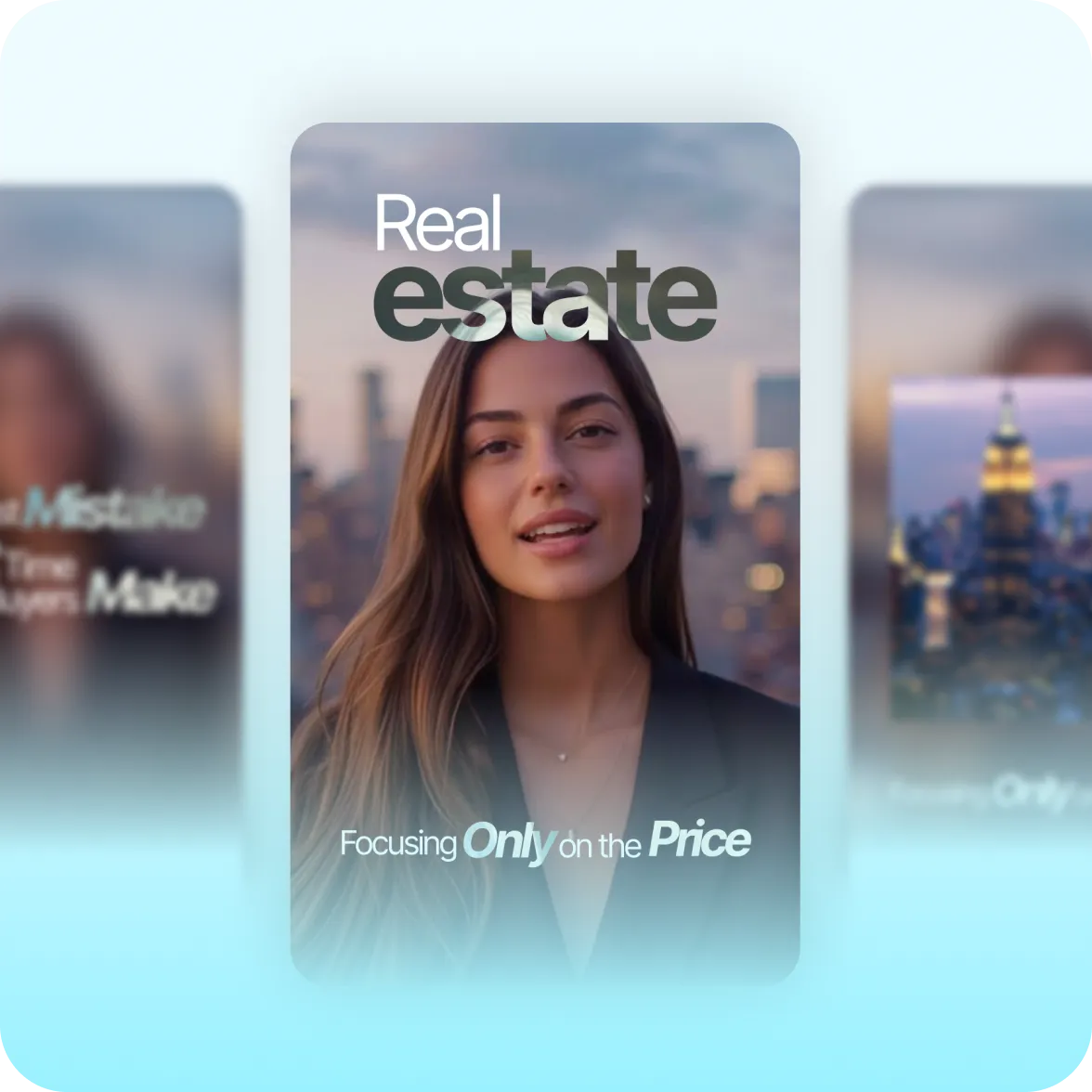
What it looks like:
Premium and precise
Prism Pro's transitions are smooth and precise, designed to stay out of the way. Clean fades make key moments stand out. This minimal aesthetic signals professionalism and respect.
Stacked captions for details
Use single, double or triple captions to customize how much information displays in each frame. Stacked captions let you list more details, like listing locations and prices.
Talking head cutouts
Clear edges separate the speaker from background content. Your speaker will stay highlighted throughout the video as B-roll or other graphic elements appear behind. This gives an editorial, broadcast quality.
Get the style fast with Captions
Create the Prism Pro style fast with Captions' AI Edit. Just upload footage, and Captions automatically applies the right transitions, effects and caption styling throughout the entire video.
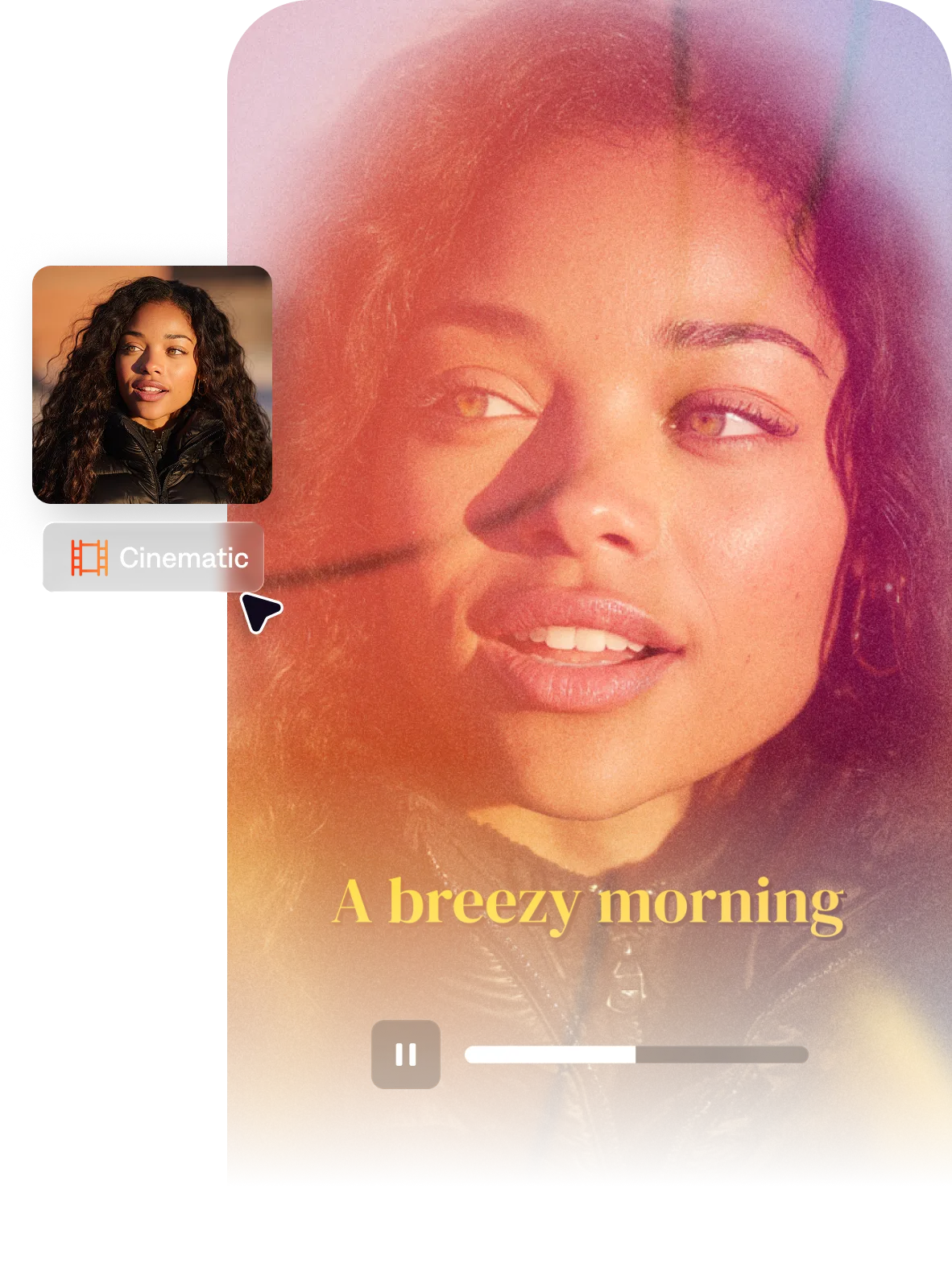
Import your video to start
By uploading a video to be edited using AI, you are agreeing to our Terms and have read our Privacy Policy.
Behind the Prism Pro aesthetic
Many video styles only account for primary captions on the screen. But we noticed that creators like real estate agents needed to say a lot more at once. They needed to stack details that relate for topics like property listings, where you'd want to list a location, price and specs altogether. This style uses details to build the story, rather than detracting from it.

Popular for:
Start making better videos

Frequently asked questions
When should I use the Prism Pro style?
Use Prism Pro for property tours and listings that require a lot of information on the screen at once. This style's stacked captions make it easy to share important details neatly, even when there's a lot to process in the same frame. Linen is also a good choice for real estate, with a more premium, luxury vibe. It works well for real estate editorial aesthetics because it has a more magazine feel.
What is a talking head cutout in video editing?
A talking head cutout separates the presenter from the background, placing them in front of any B-roll or images that appear in view. This gives the presenter more of a host or broadcast feel, so they're guiding viewers through the entire video.
What's the best way to edit real estate listing videos for social media?
Real estate listing video for social media works best when it leads with the property’s most distinctive feature in the first 2-3 seconds. Use detailed, clean text overlays to share important information like price, square footage and the address. If you're showing a full house tour, make sure to keep pacing slow between rooms so people can absorb each element before you move onto the next. At the end, make sure you share clear contact information and how to reach you. The goal is to make the viewer want to see it in person—not to impress them with the editing.
What's the easiest way to edit real estate videos?
The Prism Pro style in Captions applies a minimal editorial aesthetic, giving your videos a broadcast feel. The quickest way to make a property listing video combines two Captions features. First, use the property video maker to turn your listing link or listing photos into a full property tour video. Then, select the Prism Pro AI Edit style to transform your footage into a fully-edited, ready-to-share video.
How do you make property showcase videos look professional without a videographer?
Smartphone real estate video can look professional with a few key practices: shoot in landscape (horizontal) for architectural footage, ensure consistent lighting and use slow panning rather than fast movements. While editing, keep effects minimal so you don't distract from the actual property itself. With video editing, small changes can make a big difference, so you might want to read some tips for beginners.
How do I balance detailed text overlay for videos?
It's easy to make videos feel cluttered if you put a lot of information on the screen at once. Think about which details need to be together, and how you can split out different parts of the story throughout your video. For added visual clarity, we recommend using a stacked caption system that creates a natural hierarchy in every view. This allows you to highlight different kinds of information at once, with a clear relationship that guides the viewer.
The easiest way to make stacked captions is using our Prism Pro AI Edit style, which applies the caption system to your entire video at once. You can tweak any details you need from there.
How do I create negative effect captions for videos?
Negative effect captions have been trending lately, thanks to their inspirational feel and eye-catching aesthetic. We designed Prism Pro to make that style accessible to anyone, regardless of your editing experience. Just upload a video to Captions, and let AI handle the rest.