
Add a neon aesthetic to any video
Give your footage the electric energy of nightlife and music events. The "Neon" AI Edit style uses glowing text effects and neon accents to create a high-voltage aesthetic.
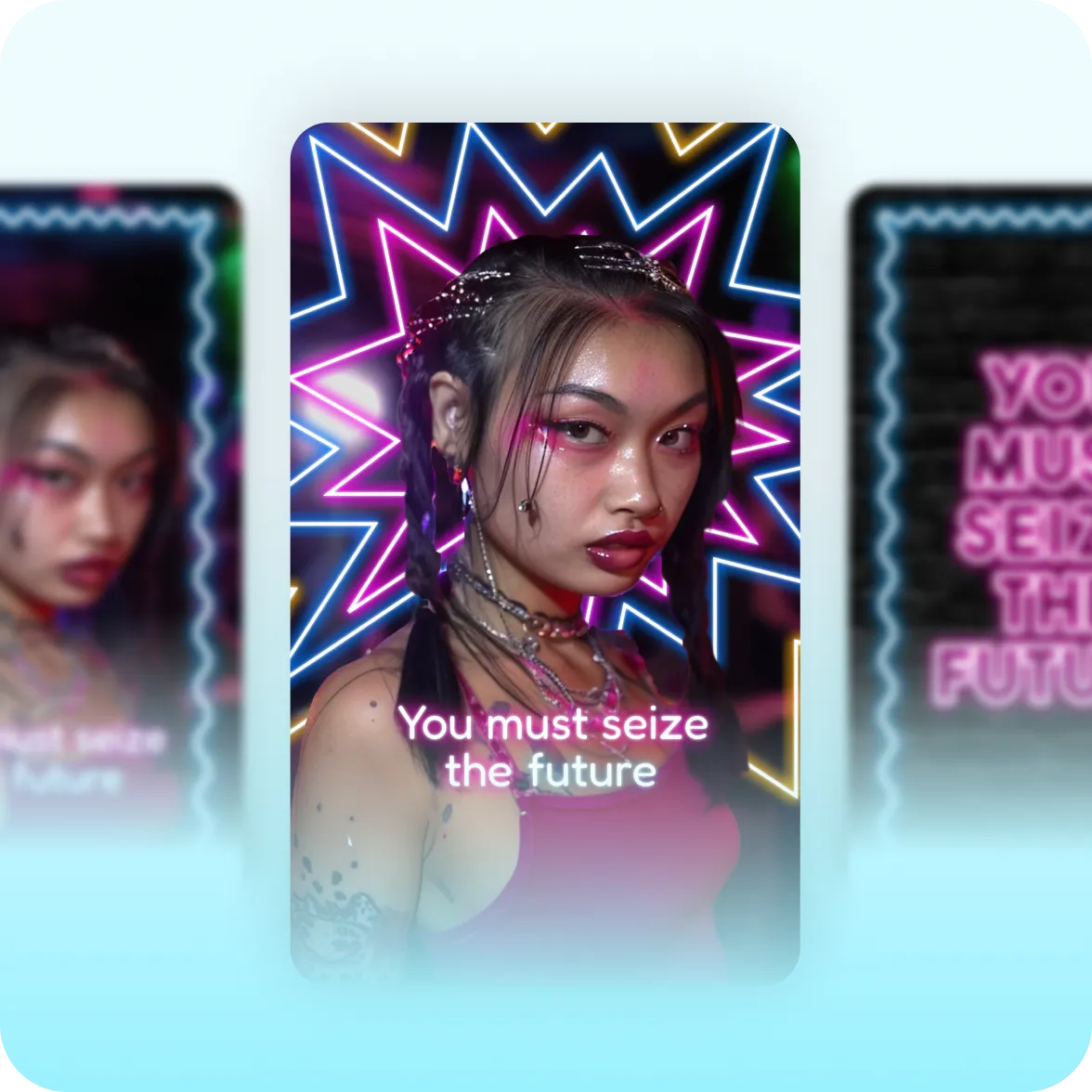
What it looks like:
Celebratory and vibrant
A neon color palette combined with glowing accents makes content pop off the page. Videos feel electric with that can't-miss energy you find at real-life events. People feel the energy before they even hear a word.
Bold, outlined typography
Heavy outlined text with neon glow effects makes words feel lit from within. It's the typographic equivalent of LED signage. Immediately readable, and impossible to scroll past.
Makes moments matter
Neon is a go-to editing style for nightlife creators, music influencers and brands with exclusive product drops. It communicates energy and exclusivity simultaneously, turning content into a moment.
Create it fast with Captions
You bring the footage. Captions brings the neon. Use AI Edit to transform your entire video at once. Just upload footage, then select "Neon" in the style library.
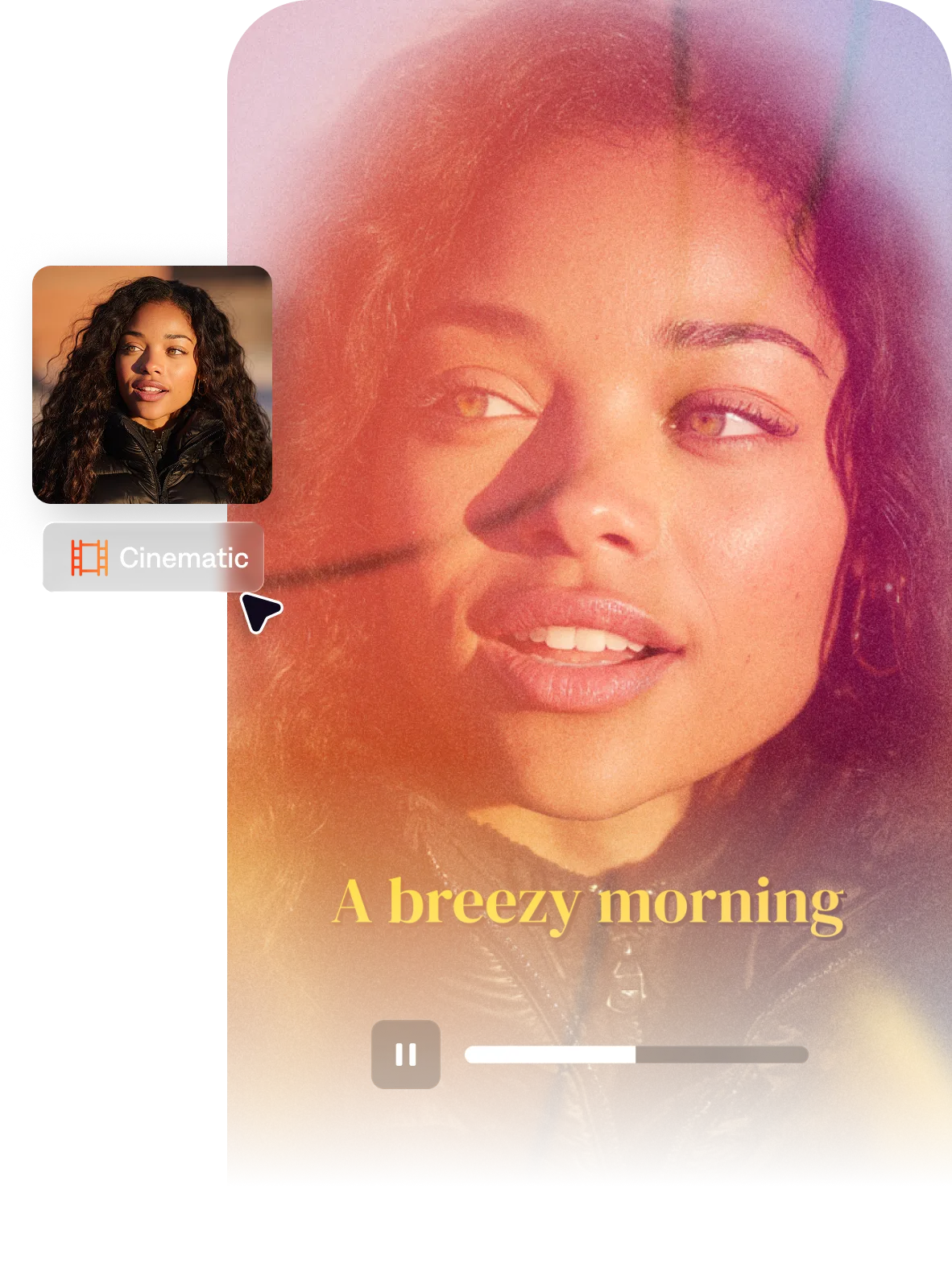
Import your video to start
By uploading a video to be edited using AI, you are agreeing to our Terms and have read our Privacy Policy.
Behind the Neon aesthetic
Nightlife, music, and event content have an obvious visual language. Vibrant, glow-lit, and fully electric. It's hard to replicate that aesthetic without a professional editor, so creators were approximating it with filters and manual text. Neon puts all the elements into one cohesive style so it's easy to use.

Popular with:
Start making better videos
Frequently asked questions
When should I use the Neon aesthetic?
Use Neon for any video where electric energy and glowing colors convey the right visual energy. It often works well for entertainment content, nightlife and gaming. If you prefer a different gaming vibe, try Volt instead. Prime might be your fit if you prefer a darker, more mysterious mood rather than a celebratory, electric style.
What is the neon aesthetic in video?
The neon aesthetic combines glowing color accents, high-contrast backgrounds and outlined typography. Add in light streaks and you get a vibrant, electric quality.
How do I add neon glowing text to my videos?
In traditional video editors, you typically stack neon layers over your text to create the intensity you want. You can also manually blur edges or add shadows to create that hazy neon glow. AI makes it easier, especially if you use something like Captions' AI Edit. The "Neon" style applies the neon glowy vibe in minutes, with zero manual edits.
Do I need editing experience to add neon effects to videos?
Not if you use Captions! Captions is designed for people who do not have professional video editing experience. You just need ideas, and AI helps with the rest. You can edit an entire video in minutes with AI Edit, apply quick fixes like eye contact correction or generate automatic captions for any platform.
What's the best video style for live event content?
You want an editing style that helps recreate the event's real-life energy for people watching it online. Think bright colors, big visuals and smooth transitions. The Neon AI Edit style works well for this kind of content because it uses the visual cues of live events to create a palpable energy.