

70 hashtags for YouTube Shorts that boost your visibility

Whether you're posting quick tutorials, funny clips, or trend-driven challenges, the right YouTube Shorts hashtags can make the difference between a video that gets found and one that doesn't. They help YouTube understand what your content is about and connect it with people who are already looking for it.
Here's what you need to know about how hashtags work, plus 70 to get you started.
How do YouTube Shorts hashtags work?
Hashtags help YouTube categorize your content and show it to relevant audiences. The platform reads them alongside other metadata like your title, transcript, and description to understand what your video is about. In addition to your channel name, that context helps your Shorts surface in search results, trending feeds, and suggested video recommendations.
One thing worth knowing: the first three hashtags in your description automatically appear as clickable links above your Shorts title. That's prime real estate, so it's worth being deliberate about which three you lead with.
You can use up to 15 hashtags across your title and description combined. Go over that limit and YouTube ignores all of them, so quality over quantity is the right approach here. Most creators find three to five well-chosen hashtags outperform a long list of loosely related ones. And yes, they do work: used well, hashtags connect your content with viewers already searching for your niche, which is what actually moves the needle.
Benefits of using YouTube Shorts hashtags
Increased discoverability
Hashtags open up a few extra discovery pathways beyond the algorithm. People can search for specific hashtags directly in YouTube's search bar, which surfaces a grid of videos using those keywords. Combining broad and niche tags gives you a shot at reaching both wide audiences and highly targeted ones, which improves your chances of landing on the right For You feeds.
Better content organization
Consistently using the same niche hashtags helps YouTube associate your channel with a specific topic over time. A fitness creator who reliably tags with #homeworkout and #fitnessgoals is more likely to appear in related searches than one who rotates through random tags. That consistency compounds.
Higher engagement
Relevant hashtags connect you with viewers who are actually interested in what you're making. Those viewers are more likely to watch your videos all the way through, which is one of the signals YouTube weights most heavily when deciding how widely to distribute a Short.
70 best YouTube hashtags for maximizing views
Three to five is the sweet spot. Here are 70 to choose from, organized by niche.
General YouTube Shorts hashtags
#Shorts
#YouTubeShorts
#ShortsVideo
#ShortsFeed
#YTShorts
#ViralShorts
#YouTubeViral
#ShortClips
#TrendingNow
#ViralVideo
Education and learning
11. #LearnWithMe
12. #Edutainment
13. #StudyHacks
14. #OnlineLessons
15. #QuickTips
16. #EducationForAll
17. #SchoolHacks
18. #KnowledgeIsPower
19. #BrainBoost
20. #LifelongLearning
Finance and business
21. #MoneyMatters
22. #FinanceHacks
23. #SideHustle
24. #WealthBuilding
25. #StockMarket
26. #FinancialFreedom
27. #PassiveIncome
28. #Investing
29. #MoneyTips
30. #EntrepreneurLife
DIY and crafts
31. #DIYProjects
32. #Handmade
33. #Crafting
34. #EasyCrafts
35. #Homemade
36. #CraftingIdeas
37. #LifeHacks
38. #CreativeIdeas
39. #ArtAndCraft
40. #HandmadeWithLove
Health and fitness
41. #HomeWorkout
42. #FitnessGoals
43. #HealthyLifestyle
44. #Wellness
45. #NutritionTips
46. #FitLife
47. #GymMotivation
48. #WeightLossJourney
49. #SelfCare
50. #MindAndBody
Travel and adventure
51. #Travelgram
52. #Wanderlust
53. #ExploreMore
54. #TimeForAdventure
55. #BucketList
56. #TravelVlog
57. #RoadTrip
58. #BeachLife
59. #ExploringTheWorld
60. #GlobeTrotter
Pets and animals
61. #CutePets
62. #DogsOfYouTube
63. #FunnyAnimals
64. #PetCare
65. #AdorablePets
66. #CatsRule
67. #PuppyLove
68. #DogOfTheDay
69. #Wildlife
70. #AdoptDontShop
How to find trending YouTube Shorts hashtags
Use Captions' hashtag generator
The fastest way to find relevant hashtags is with Captions. Once you've edited your video, open your projects in the iOS app, tap the three dots next to your video, and tap "Prepare Social Post." Captions will automatically generate a title, description, and trending hashtags for your video that you can copy and paste straight into YouTube when you post.
Check YouTube's trending page
YouTube's Trending section highlights what's performing well right now. Look at what top creators in your niche are tagging in their best-performing Shorts. If the same tag keeps showing up across multiple viral videos, it's worth testing.
Use the search bar
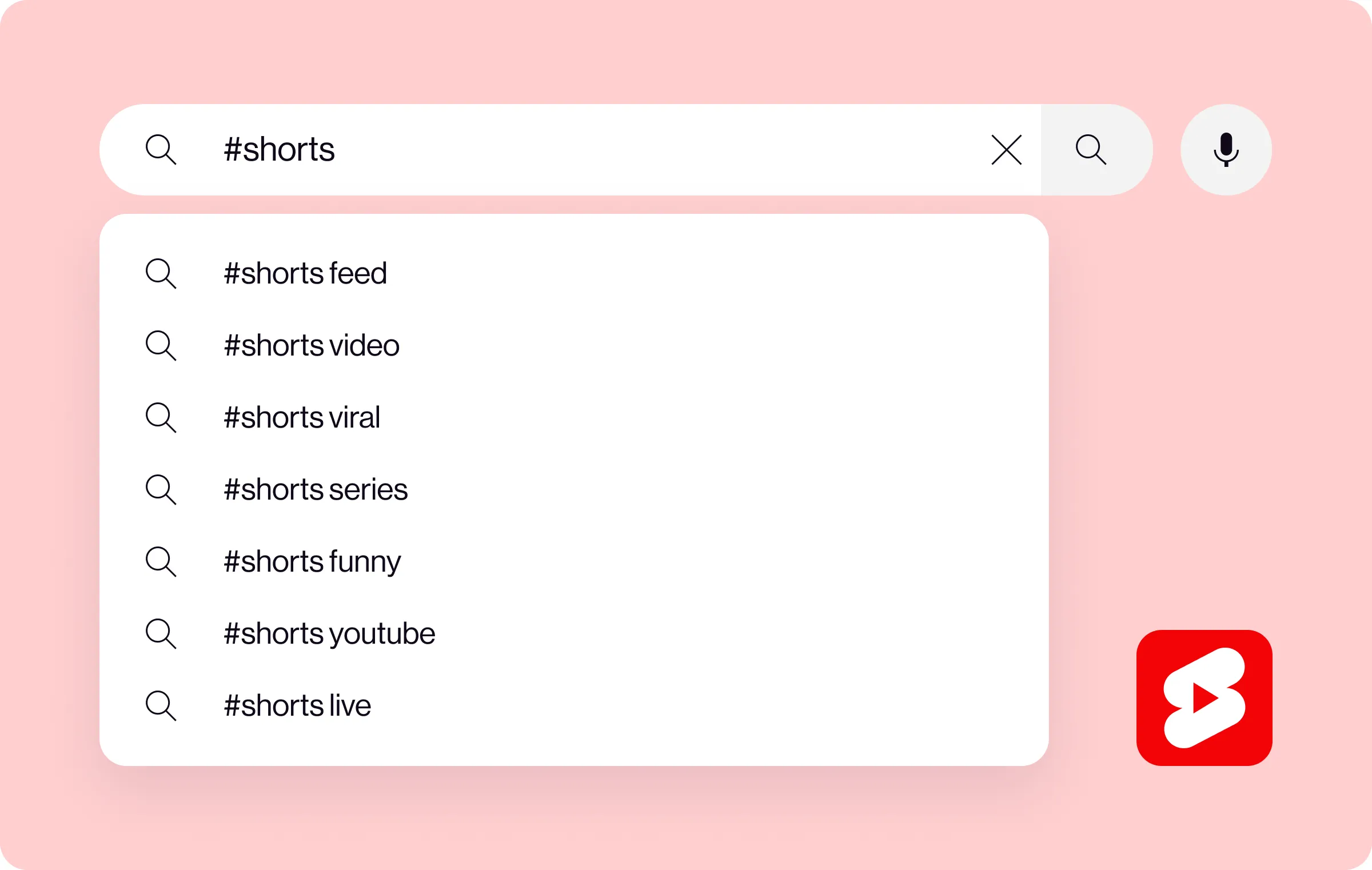
Type a keyword related to your niche into YouTube's search bar and see what autocomplete suggests. These are real queries people are searching for, which makes them useful inspiration even when they're not hashtags themselves.
Look at what's working for competitors
Find the top creators in your niche and pay attention to the hashtags they use on their high-performing Shorts. You're not copying their strategy, just identifying which tags consistently attract the right kind of audience.
Check YouTube Analytics
YouTube Studio shows which hashtags are actually driving traffic to your videos under the Reach tab. If certain tags are consistently sending viewers your way, double down on those. If others aren't doing anything, swap them out.
Join creator communities
Social media groups, forums, and creator communities are good places to discover what's trending in your niche. Other creators often share what's working for them, which can surface hashtag opportunities you wouldn't have found otherwise.
Go viral on YouTube Shorts with Captions
Hashtags improve your chances of being found, but the content behind them has to be worth watching. There's no single guaranteed path to going viral, but a few things consistently help: hook viewers in the first few seconds, optimize your title and hashtags for your niche, post on a consistent schedule, and include calls to action that encourage engagement. The algorithm responds to retention and watch time above almost everything else. Captions is built to help you make that content faster, with AI-powered editing tools, automatic captions, and everything you need to go from raw footage to ready-to-post without spending hours in an editor.