

Captions vs. CapCut: which AI video editor is right for you?
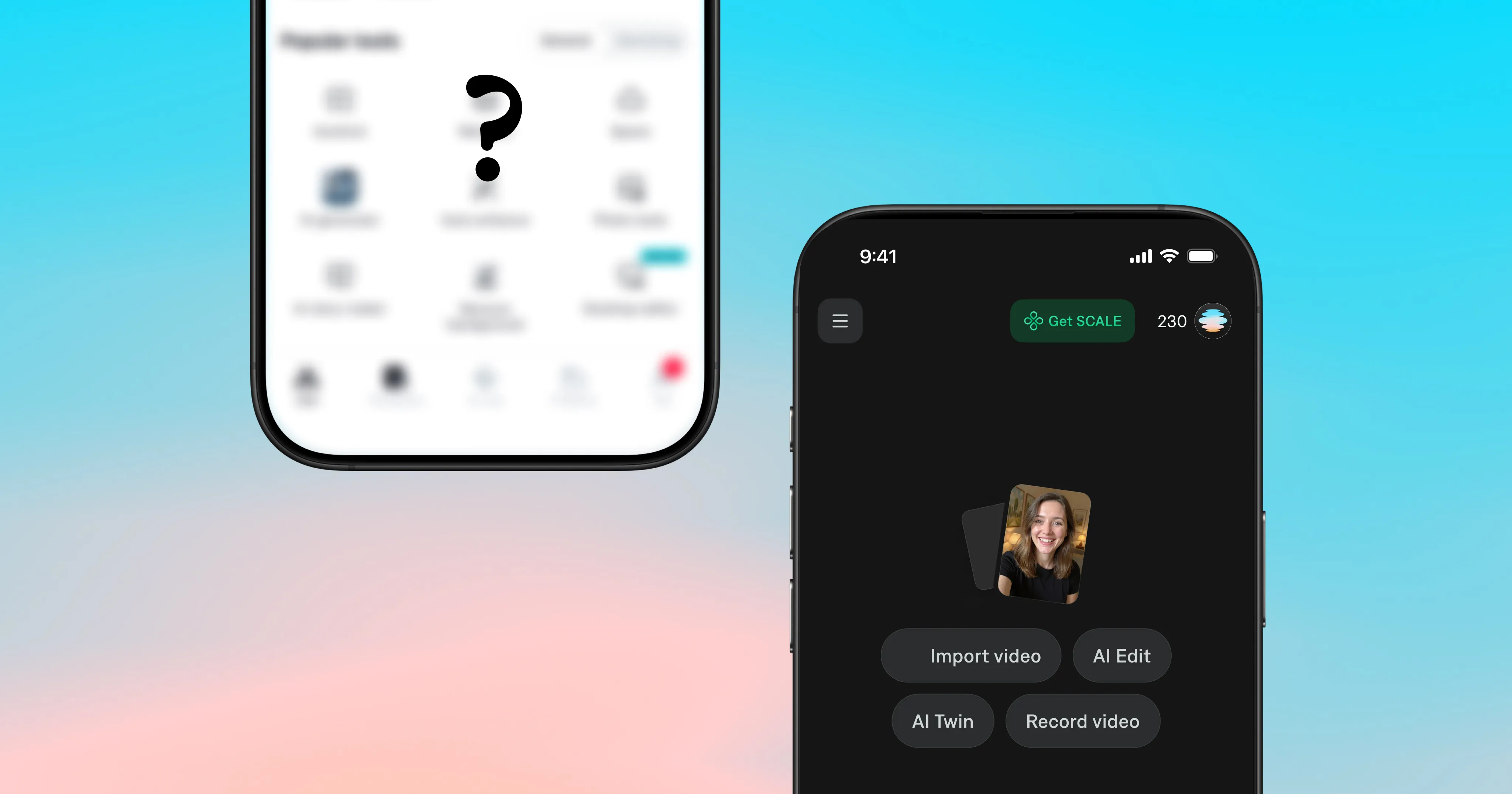
If you've ever googled "how do I get better captions on my videos," chances are you've seen information about both CapCut and Captions. CapCut is popular for a reason: it's fast, free (mostly, we’ll get to that in a second), and works well enough for a quick TikTok.
Captions was built specifically for people who want to make better videos. It does more than add subtitles. It edits, it listens, it understands what you're trying to make, and then it helps you make it faster.
So which one actually belongs in your workflow? Here's a breakdown.
What is CapCut?
CapCut is a video editing app built by ByteDance, the same company behind TikTok. It's designed for short-form content and covers the basics well: trimming, transitions, effects, text overlays, and auto-captions. It has a free tier, a large template library, and direct TikTok integration.
If you need to get something out fast for TikTok and don't want to think too hard about it, CapCut delivers.
The tradeoff: CapCut's AI tools are broad but shallow. Auto-captions are decent in quiet environments (around ~95% accuracy) but degrade quickly with background noise, accents, or fast speech.
Its editing intelligence stops at templates; it doesn't learn what you're making or adapt to it.
Is CapCut owned by TikTok?
Not exactly, but close. CapCut is owned by ByteDance, which is TikTok's parent company. They're sister products, not the same product. This also means CapCut has faced availability uncertainty in some markets as TikTok has navigated regulatory scrutiny. If platform continuity matters to your workflow, that's worth keeping in mind.
What is Captions?
Captions is an AI video tool built by Mirage, designed to handle the full production workflow for creators and businesses who need polished, professional-quality video without the overhead of professional production.
Where CapCut handles editing, Captions handles thinking. AI Edit applies editorial discernment to intelligently cut scenes, overlay B-roll, add graphics, sounds, and more, resulting in ready-to-share content from raw footage. The chat-based editor lets you describe what you want in plain language and Captions will edit your video accordingly.
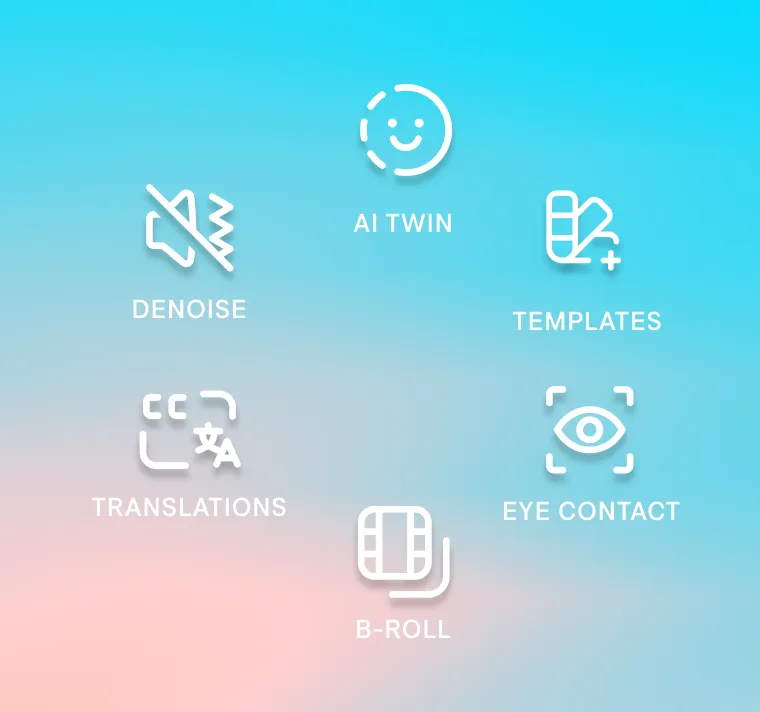
Captions is built for talk-to-camera content in particular. Features like eye contact correction (which adjusts your gaze to look directly at the lens even when you're reading a script), AI noise removal, and the AI Twin mean you can show up on camera without recording every time.

Try Captions for video editing
Head-to-head: where each app wins
Caption accuracy
This is where the gap is most obvious.
Captions was built caption-first (the product literally started here). Its speech recognition handles accents, fast speakers, and background noise significantly better than CapCut. You also get 100+ caption styles, custom fonts and colors, word-by-word animations, and the ability to maintain consistent styling across every video you make.
CapCut's auto-captions are useful but they still require more manual cleanup, and the styling options are limited compared to what Captions offers.
Winner: Captions
AI editing tools
CapCut has AI tools (background removal, auto-reframe, etc.) but they're mostly individual features you apply one at a time. There's no intelligence that ties them together based on what your video is actually trying to do.
Captions' AI Edit understands your content as a whole. It reads across visuals, audio, speech, and narrative to apply editorial decisions with the pacing and taste of a professional editor.
Captions provides an elevated level of capability, especially for creators producing high volumes of content who can't afford to manually rebuild an edit from scratch every time.
Winner: Captions
Talking head content
This is the most important category for anyone making talking head videos: founders, coaches, creators, real estate agents, anyone building a presence through video.
Captions was purpose-built for this format:
Eye contact correction fixes the biggest visual giveaway that you're reading from a script.
The AI Teleprompter scrolls your script while you record.
AI noise removal cleans up audio without degrading your voice.
AI Twins mean you can generate consistent talking videos of yourself without recording every single one from scratch.
CapCut doesn't have any of this.
Winner: Captions
Multilingual support
Creating content for a global audience?
Captions supports multilingual captions and AI dubbing that preserves your voice's character, accent, and delivery, not a flat synthetic read-through. You can create once, and reach everyone.
CapCut has some translation features, but nothing close to Captions' depth here.
Winner: Captions
Price
CapCut has a broader free tier, which is genuinely useful if you're just getting started. Once you need Pro features (4K export, more AI tools, watermark-free), you're looking at around $9.99 per month.
Captions is free to sign up for, and pricing starts at the same rate as CapCut ($9.99 per month) and scales from there. The more you scale up, you're getting a significantly deeper AI toolset and a product actively built around the workflow of serious video creators.
If you're treating video as a core part of how you market, sell, or grow, Captions is the more cost-effective choice when you factor in what you'd spend on an editor, separate caption tools, and noise removal software separately.
Winner: Depends on your usage of AI video editing tools. CapCut is fine for casual use, while Captions is more suitable for ongoing or high-volume use
Feature | Captions | CapCut |
Caption accuracy | ✓ Built caption-first | ◐ ~95% in clean audio; accuracy drops significantly with noise, accents, or fast speech |
AI editing intelligence | ✓ Editorial AI | ◐ Feature-by-feature AI |
Talk-to-camera tools | ✓ Purpose-built for this format | ✗ Not available |
AI avatars | ✓ AI Twin + AI Actor | ◐ Basic avatar features |
Multilingual support | ✓ Full dubbing with voice preservation | ◐ Basic subtitle translation |
Template library | ◐ Curated caption styles | ✓ Extensive template library |
Pricing | ◐ Free tier available | ✓ Broader free tier |
Platform availability | ✓ iOS, web, Android (Captions Lite) | ✓ iOS, Android, desktop, web |
Can you use both apps together?
Yes, there's no technical reason you can't. Some creators use both depending on the task. The question is really whether maintaining two separate tools and two separate workflows is worth it for what you're making.
For most creators doing talking head content at any consistent volume, having everything (editing, captions, AI tools, dubbing) in one place tends to be the more efficient path.
Which app is right for you?
Choose CapCut if:
Your content is mostly trend-based short clips where templates do the heavy lifting
You primarily edit for TikTok and don't need cross-platform consistency
Choose Captions if:
Talking head content is core to your strategy
You want AI that actually understands your video vs. just applying effects to it
Caption quality and consistency matters to how your brand looks
You're building a high-volume content operation and need to move at the speed of your ideas
You want to reach a global audience without rebuilding everything for each language
Get started with Captions
Captions vs. CapCut: Frequently asked questions
What is the difference between Captions and CapCut?
CapCut is a broad video editing app with template-based AI tools, built by TikTok's parent company ByteDance. Captions is an AI video tool built by Mirage, with a focus on talking head content, caption accuracy, and editorial AI that understands what you're making.
The core difference: CapCut handles editing tasks, Captions handles editing decisions.
Which app has better auto-captions, CapCut or Captions?
Captions. It was built caption-first and handles accents, background noise, and fast speech more accurately than CapCut. It also offers significantly more caption styling options: 75+ styles, custom fonts, brand colors, and word-by-word animations.
Is Captions app free?
Captions offers a free tier to get started. Paid plans unlock the full AI toolset including AI Edit, AI Twin, multilingual captions, and more.
Is CapCut free?
CapCut has a free tier that covers basic editing and limited AI features. Auto-captions moved behind the Pro paywall in 2025. Pro plans start around $9.99 per month.
Does Captions app have eye contact correction?
Yes. Captions' eye contact correction adjusts your gaze to look directly at the camera even when you're reading from a script, one of the most distinctive features for talk-to-camera creators.
Can CapCut do everything Captions can do?
No. CapCut doesn't have eye contact correction, AI Twin, editorial AI that understands your content as a whole, or multilingual dubbing that preserves your vocal identity.
What are the best alternatives to CapCut and Captions?
Depending on your use case:
Descript (great for podcast-to-video workflows)
Opus Clip (for repurposing long-form content into short clips)
VEED.io (browser-based, team-friendly)
Submagic (caption-focused)
For the broadest AI toolset in one place, Captions remains the strongest option for creators and brands making talking videos at scale.